If published and approved, the library must be available in the LCS project's Asset library. Check if this is the case.
| 1. | Open LCS. |
| 2. | Open the applicable LCS project. |
| 3. | Open the Asset library (click the Asset library tile). |
| 4. | Check if the library is shown in the BPM artifacts. |
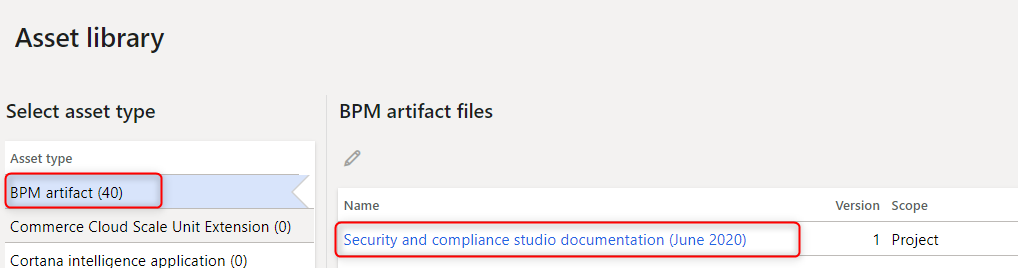
|
| Related to | Notes |
|---|---|
|
Publish documentation and task guides to LCS |
